[PostgreSQL] PostgreSQL 다운로드 및 설치하기

PostgreSQL 다운로드
아래 EDB 사이트에서 PostgreSQL 을 다운로드 할 수 있습니다.
Postgres Advanced Server 를 다운로드 하려면 EDB 회원이 되어야 하지만,
일반 Postgres 를 설치하는 경우에는 EDB 회원이 아니어도 됩니다.
일반 PostgreSQL 을 다운로드 하는 사이트로 바로 접속할 수도 있습니다.
PostgreSQL: Downloads
Downloads PostgreSQL Downloads PostgreSQL is available for download as ready-to-use packages or installers for various platforms, as well as a source code archive if you want to build it yourself. Packages and Installers Select your operating system family
www.postgresql.org
저는 일반 PostgreSQL 을 다운로드 하기 위해 아래 링크로 접속을 했습니다.
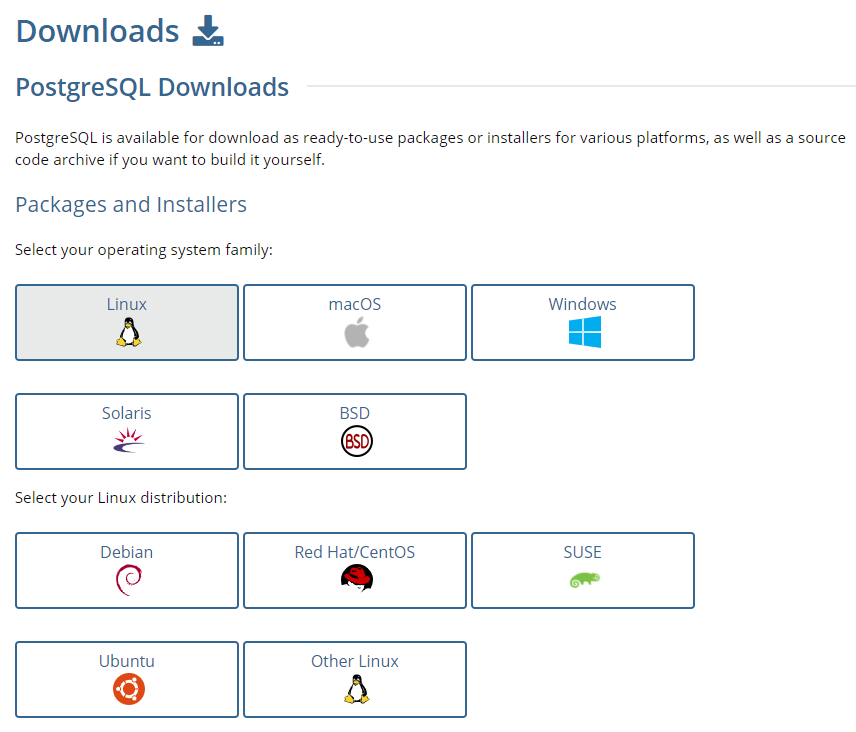
PostgreSQL 을 설치하는 OS 환경과 버전을 클릭해 주면 됩니다.
클릭을 완료하면 설치하는 방법이 나와있습니다.
PostgreSQL 설치
위에서 작성한 것처럼 PostgreSQL 에서 OS 환경을 선택하면 설치 가이드를 제공받을 수 있습니다.
Ubuntu 경우에는 기본적으로 PostgreSQL 이 포함되어 있고,
만약 PostgreSQL 을 설치하려면 아래의 명령어로 진행이 가능합니다.
|
1
2
3
4
5
6
7
8
9
10
11
12
13
|
# 레파지토리 파일을 생성합니다.
sudo sh -c 'echo "deb http://apt.postgresql.org/pub/repos/apt $(lsb_release -cs)-pgdg main" > /etc/apt/sources.list.d/pgdg.list'
# 서명키를 등록합니다.
wget --quiet -O - https://www.postgresql.org/media/keys/ACCC4CF8.asc | sudo apt-key add -
# 패키지 리스트를 업데이트 합니다.
sudo apt-get update
# 최신버전의 PostgreSQL 을 설치합니다.
# 만약 특정버전을 원하는 경우 postgresql-12 처럼 뒤에 버전명을 명시해 줍니다.
sudo apt-get -y install postgresql
sudo apt-get -y install postgresql-12
|
cs |
설치가 완료되면 아래처럼 프로세스가 구동됩니다.
|
1
2
3
4
5
6
7
8
|
root@VirtualBox:~# ps -ef | grep postgres
postgres 4554 1 0 19:09 ? 00:00:00 /usr/lib/postgresql/10/bin/postgres -D /var/lib/postgresql/10/main -c config_file=/etc/postgresql/10/main/postgresql.conf
postgres 4556 4554 0 19:10 ? 00:00:00 postgres: 10/main: checkpointer process
postgres 4557 4554 0 19:10 ? 00:00:00 postgres: 10/main: writer process
postgres 4558 4554 0 19:10 ? 00:00:00 postgres: 10/main: wal writer process
postgres 4559 4554 0 19:10 ? 00:00:00 postgres: 10/main: autovacuum launcher process
postgres 4560 4554 0 19:10 ? 00:00:00 postgres: 10/main: stats collector process
postgres 4561 4554 0 19:10 ? 00:00:00 postgres: 10/main: bgworker: logical replication launcher
|
cs |
참고로 PostgreSQL 는 root 에서 실행하는 것을 권장하고 있지 않기 때문에,
PostgreSQL 을 실행할 수 있는 postgres 계정을 자동으로 생성합니다.
PostgreSQL 을 초기화 하고 구동하려면 이 postgres 계정으로 로그인 해야 합니다.
|
1
2
|
root@VirtualBox:/var/lib# cat /etc/passwd | grep postgres
postgres:x:124:128:PostgreSQL administrator,,,:/var/lib/postgresql:/bin/bash
|
cs |